AI-Powered Simplification
Extract Bullet Points From Text Without Losing What Matters
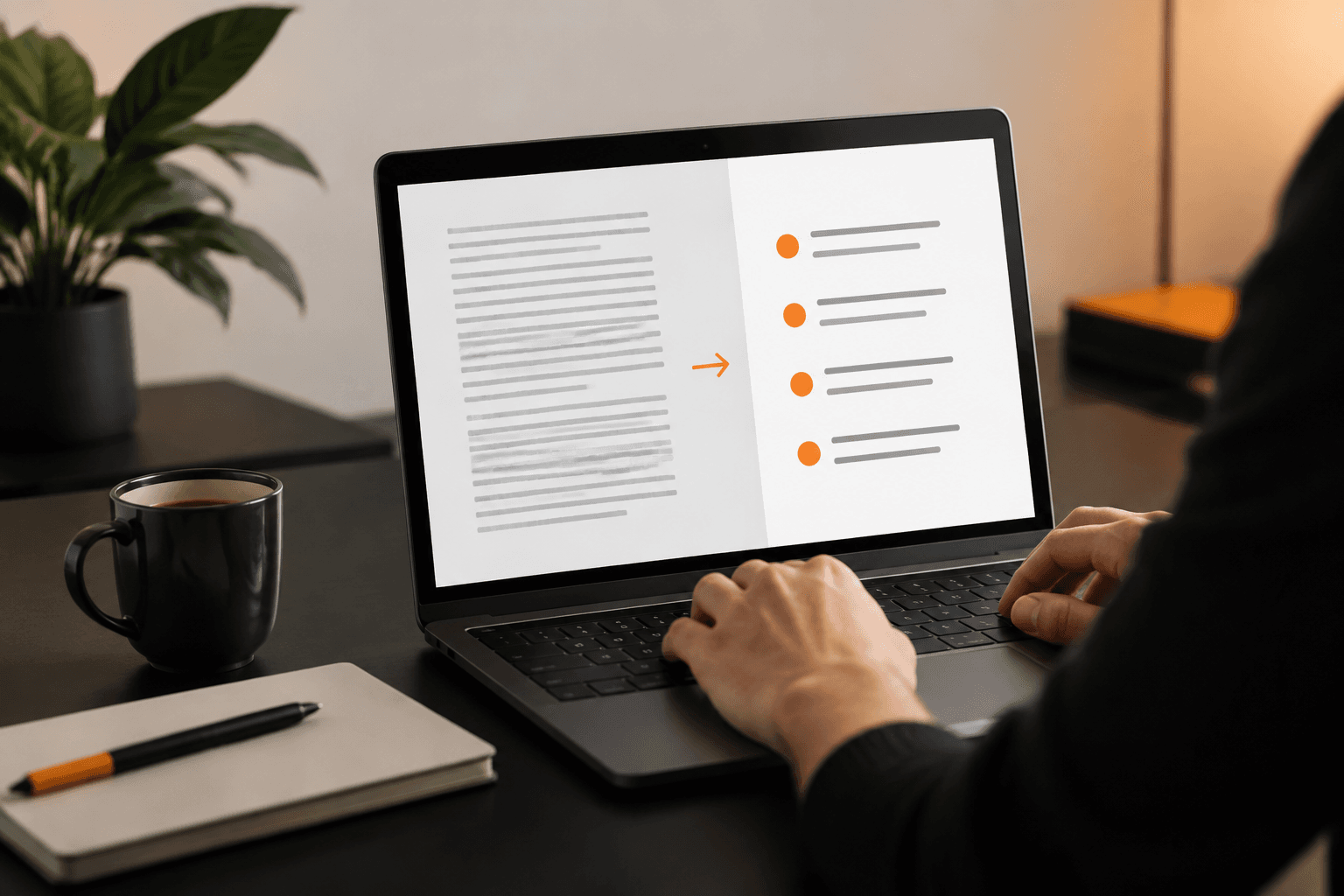
Paste in a report, article, transcript, or email thread and Retardify reads it, ranks the key facts, and hands you a clean bullet list with the most important points at the top.
Features
Everything you need
Priority-Ranked Output
Retardify doesn't just chop text into fragments — it identifies which facts matter most and lists them first, so the key detail buried in paragraph four doesn't get missed.
Handles Messy, Long-Form Text
Paste in a long report, a rambling email chain, or a meeting transcript. Retardify works through inconsistent formatting, filler sentences, and tangents without losing the thread.
No Cleanup Pass Needed
Bullets come out already trimmed and deduplicated, ready to paste into notes, a slide, or a summary email — no manual editing required before you use them.
How It Works
From input to plain English
Paste Your Text
Copy any block of text — an article, PDF excerpt, transcript, or report — and drop it into Retardify's input box.
Retardify Analyzes It
It scans the passage for key facts, figures, and decisions, then ranks them by importance instead of listing sentences in their original order.
Copy Your Bullet List
Review the clean, ranked bullets and copy them straight into your notes, an email, a slide deck, or a summary document.
Why Retardify
Built for clarity
Skim Less, Understand More
Instead of rereading a document to find what matters, the key facts are surfaced immediately, in the order they actually matter.
Consistent Every Time
Manual skimming varies with attention and mood. Retardify applies the same fact-priority logic to every document, so results don't depend on how tired you are.
Overview
Extracting bullet points from text sounds simple until you try to do it by hand. Skimming a long report or transcript for the important facts usually means rereading, second-guessing what you skipped, and missing a key number buried in the middle of a paragraph. Retardify does that skimming work for you, turning dense paragraphs into a clean, ranked list of facts.
This is built for anyone who regularly has to turn long text into something scannable: students condensing lecture notes, researchers working through papers, professionals summarizing meeting transcripts, or anyone forwarding a long email thread who needs to surface the key points fast.
- Paste an article, report, contract, or transcript
- Get a bullet list with the most important facts first
- Copy it straight into notes, slides, or a summary email
What separates this from basic text splitting is the ordering. Cutting a document into sentence fragments doesn't tell you which fragment actually matters — Retardify reads for meaning first, then puts the load-bearing facts at the top of the list instead of wherever they happened to land in the original text.
FAQ
Frequently asked questions
Pricing
Simple, credit-based pricing
Free
Perfect for trying out Retardify
- 25 credits per month
- Both Retardify tiers
- PDF & Word export
Monthly Pro
For professionals and power users
- 1,000 credits per month
- Credits roll over, max 3,000
- Priority processing
Yearly Pro
Best value for serious users
- 15,000 credits per year
- Credits roll over, max 18,000
- Save $20 vs. monthly
Need more credits? Check out our credit packs starting at $8.
Stop Rereading. Start Extracting.
Paste your next long document into Retardify and get the facts that matter, ranked and ready, in about the time it takes to hit copy.
Explore more tools
- Simplify Technical Documents Instantly with Retardify
- AI Help Simplify Complex Jargon in Documents Made Easy
- Medical Jargon Translator: Simplify Terms with Retardify
- AI Document Simplifier: Retardify Rewrites Docs Live
- Retardify: Turn Technical Jargon Into Plain, Clear Language
- Simplify Legal Documents and Contracts | Retardify
- Simplify Legal Documents Online: Plain-English Contracts & Leases
- Financial Report Summarizer AI for Analysts & Executives
- Simplify Technical Instructions for Beginners with Retardify
- Technical Document Simplifier: Turn Engineer-Speak Into Plain English
- Make Research Papers Understandable with Retardify
- Break Down Scientific Articles for Laymen | Retardify